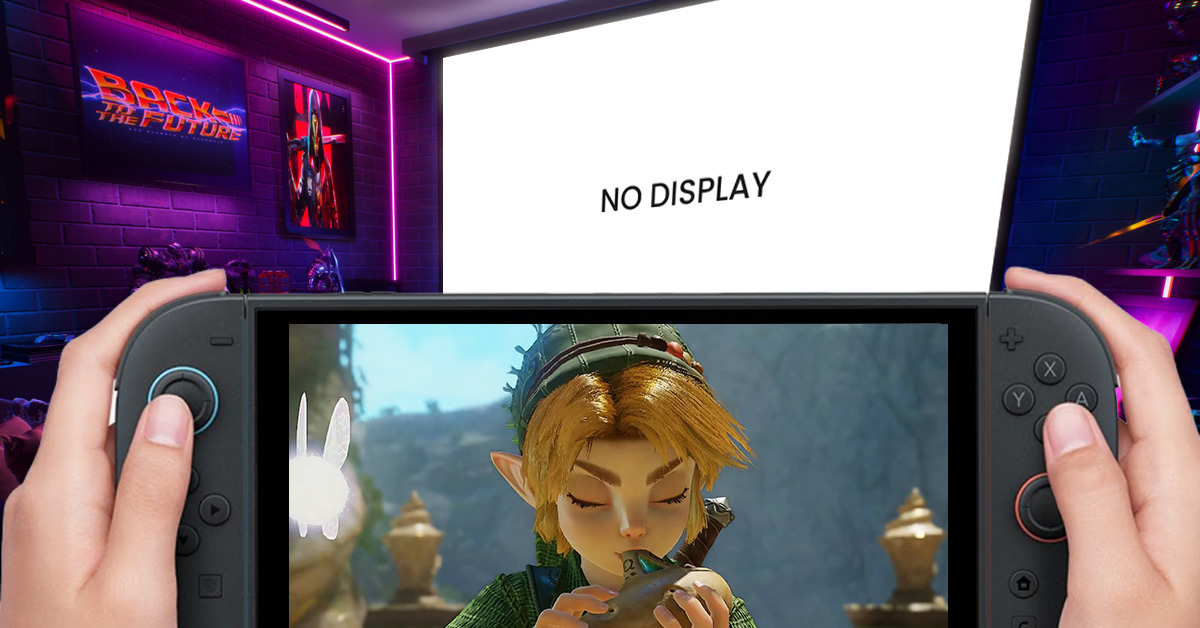
Legend of Zelda: Ocarina of Time just came out today! And if you're playing on your monitor or TV, you might've experienced some issues like getting stuck in-game or having your screen freeze. There's a quick and easy fix for that!
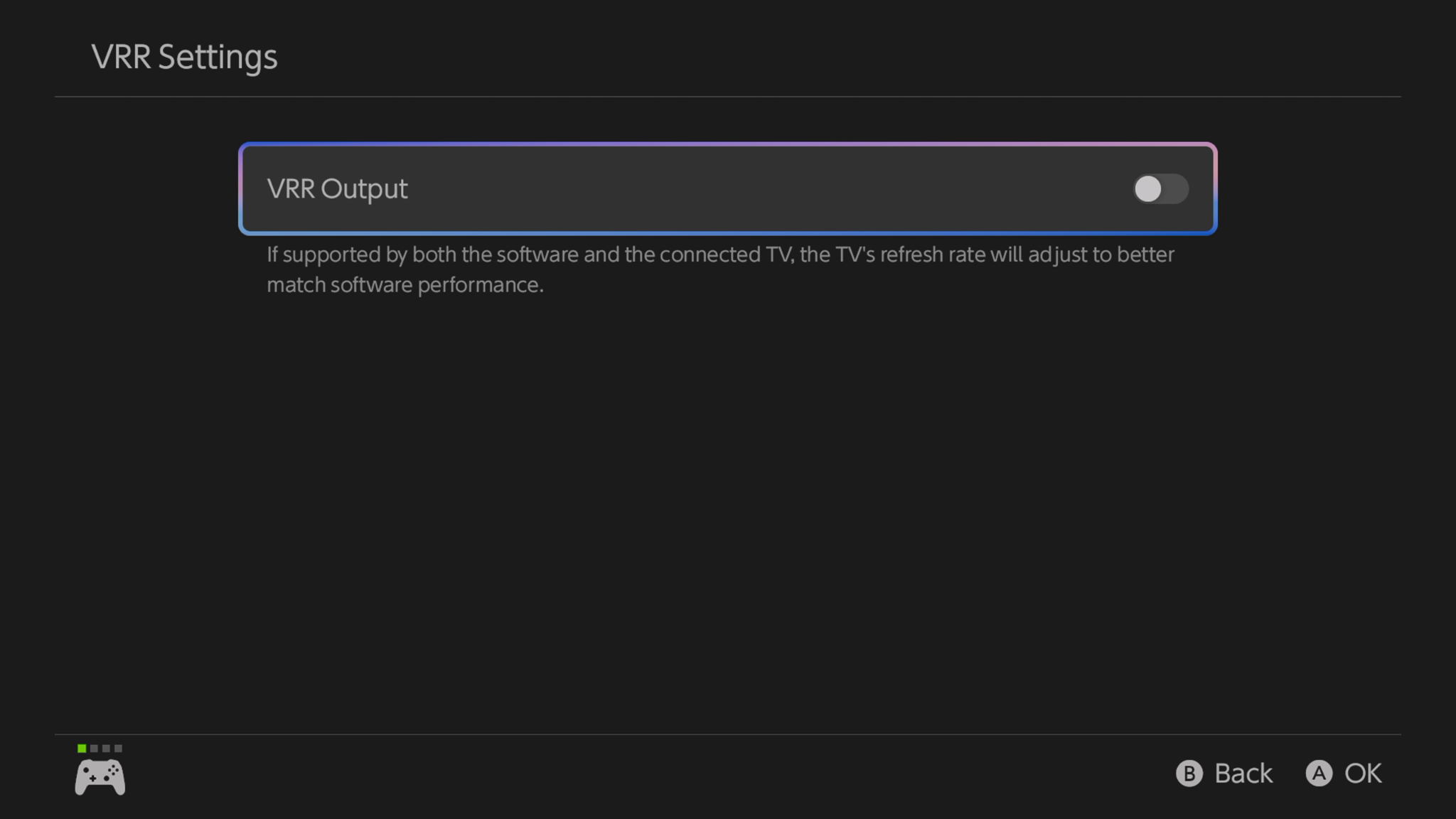
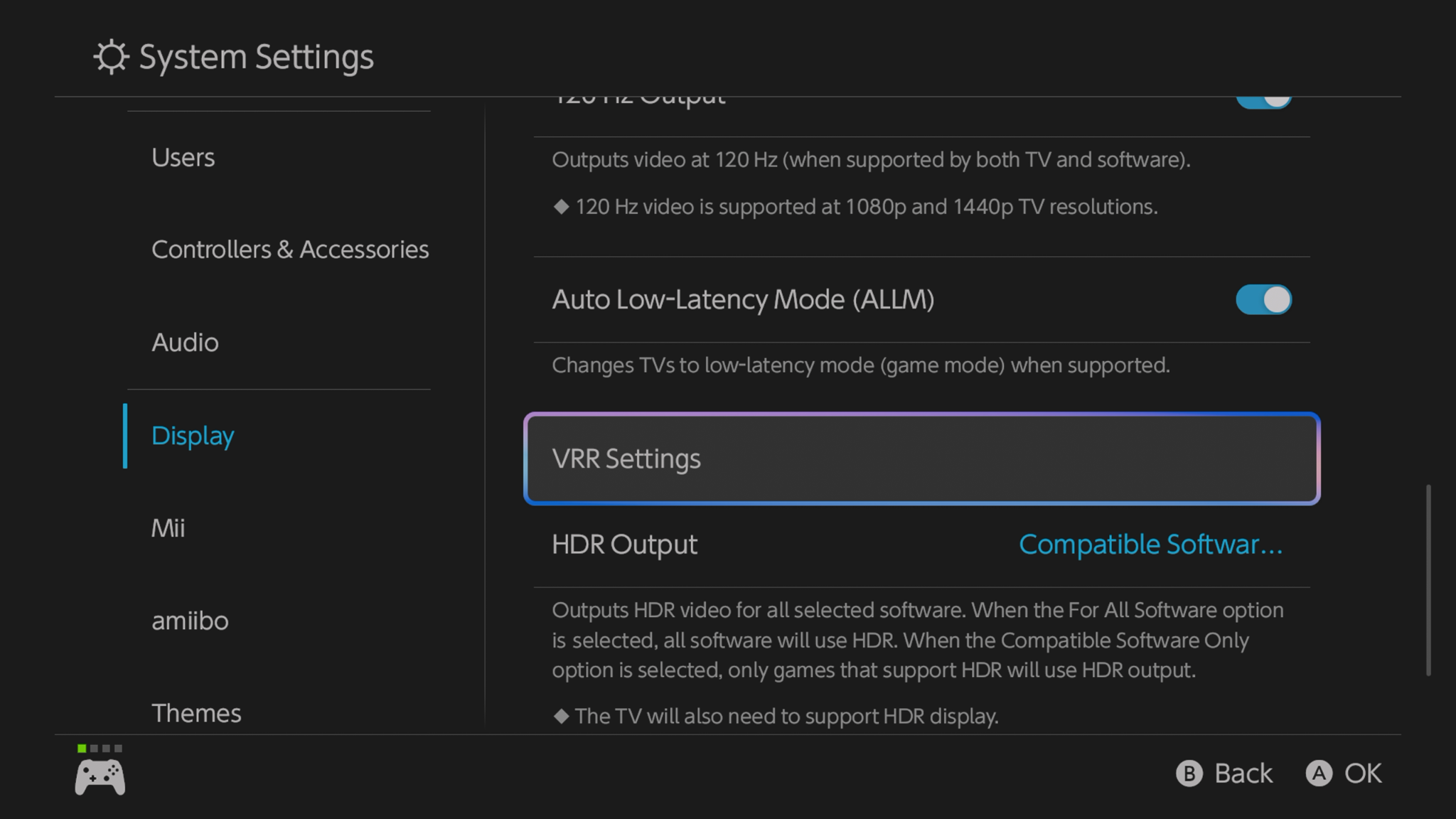
This could be related to the Switch 2's Variable Refresh Rate (VRR), a feature designed to make gameplay smoother by syncing your screen's refresh rate with the game's frame rate. However, it seems that having VRR enabled may be causing the game to get suck on the loading screen, or not display anything at all. If you encounter the same problem, try turning off VRR on your Switch 2, then restart your system and see if it fixes the issue!
Speaking of the game, we have an upcoming review, so be sure to check it out!
Catch us on:
Catch us on: FB: https://www.facebook.com/share/18zmcMHP4z/
IG: https://www.instagram.com/gamingpinasx?rpxt=MXVzMXYxamw0aHYy
TikTok: https://www.tiktok.com/@gamingpinasx?_r=1&_t=ZS-9B93anb8m3g
X: https://x.com/gamingpinas.com
Threads: https://www.threads.co/gamingpinas.com
Website: https://gamingpinas.com/