A viral post recently raised concerns about a game that allegedly records players’ faces, voices, and account information without their knowledge. The claim was later debunked, but it still got Filipino gamers thinking: How safe is our data when we play games?
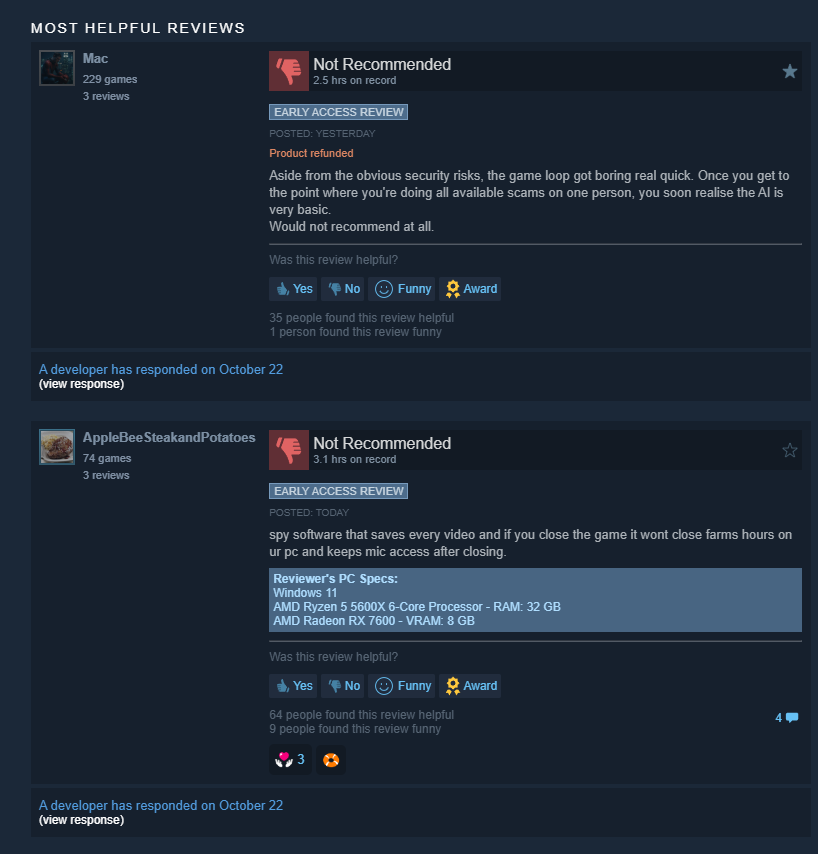
An anonymous game suspected of containing spyware.
The concern is actually valid. In October 2023, Valve confirmed that hackers had accessed some developers' Steam accounts and used them to push malware through game updates. Around 100 users installed the affected games at the time.
Valve then later added extra verification steps for developers updating games that were already released. In December of the same year, a compromised version of Downfall, a fan-made expansion for Slay the Spire, was also found spreading malware that could steal information through Steam.
Steam page
What's particularly concerning about these incidents is that players didn't necessarily have to visit a suspicious website or download a pirated copy to encounter malware. The malicious files were distributed through a platform they already trusted. Even someone who carefully avoids unofficial downloads could have been affected.
Image via LinkedIn
Smaller game platforms have their own challenges, too. For example, itch.io does not allow games that contain malware, spyware, or adware. But having rules against these threats doesn't mean every harmful game or file will always be caught before someone downloads it. At the same time, indie games aren't automatically dangerous just because they're made by smaller developers or sold on smaller platforms. It still depends on the developer, the game itself, and how the platform handles security problems when they come up.
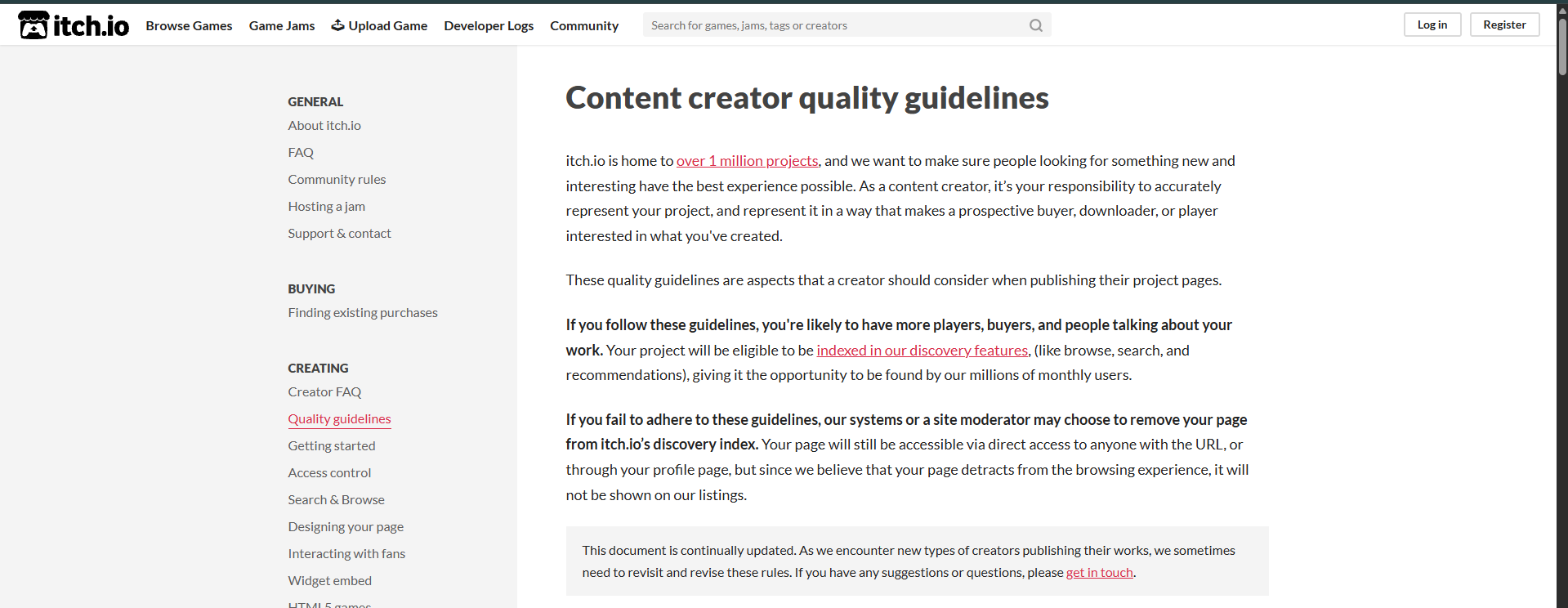
Image credit: itch.io
So, would I trust a game on Steam more than one on itch.io? Not simply because of the platform's name. Steam has more established distribution infrastructure, but as the incidents show, that hasn't prevented malicious files from reaching users. Meanwhile, a smaller indie developer might provide clear documentation, respond openly to security concerns, and explain exactly what their game collects.

Image credit: Valve
So, where does this leave us? We can't inspect every line of code in the games we download, and most players won't have the technical knowledge or time to investigate how a game handles their information. But there are still ways to be more careful about what we install and what we allow it to access.
Whenever we install a game, we're trusting its developers, the platform distributing it, and the systems handling our information. But how much do we really know about what happens to our data behind the scenes?
Image via eTeknix
For starters, a game asking for microphone access doesn't automatically mean it's secretly recording conversations. Voice chat and proximity-based audio depend on microphones. The question is whether the permission makes sense for what the game actually does.

Image via eTeknix
The same applies to cameras, location data, and account information. A game may have a legitimate reason to request certain details, but that doesn't mean we should automatically give it everything it asks for. And even when a game's data collection is disclosed, that tells us little about how effectively the developer protects the information afterward.
So, what can players actually do?
-
Don't rush to download an unfamiliar game. Give reviews and community discussions time to develop, particularly for new releases from developers you don't recognize.
-
Check what the privacy policy actually says. You don't need to read every sentence of a lengthy document, but look for what information is collected, whether it is shared with other companies, and whether you can request its deletion.
-
Pay attention to permissions that don't match the gameplay.
-
Be careful about where updates and installers come from. Use official download channels and avoid unofficial patches, cracked installers, or links promising early access to unreleased content.
-
Protect the accounts connected to your games. Use different passwords for gaming accounts and email, enable two-factor authentication, and review third-party services linked to your accounts.
-
Know what to do when a security warning appears. If it's an unverified social media post, look for official statements and credible reporting before sharing it as fact. If there's a confirmed malware warning affecting a game you've installed, stop launching the affected software, follow the platform's instructions, and scan your device. Depending on the threat, uninstalling the game alone may not be enough.
These precautions won't guarantee that every game is safe. The Steam incidents demonstrate that even legitimate distribution systems can be compromised.
There isn't one answer that applies to every situation. A rumor that has already been debunked shouldn't be treated the same way as a verified malware incident. Uninstalling everything at the first sign of controversy isn't necessarily more responsible than ignoring every warning.
Let's hear your thoughts, gamers. How much do you trust the games you play with your data?